
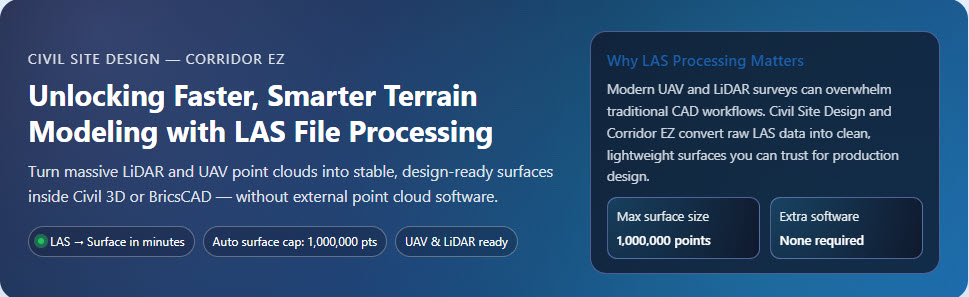
Unlocking Faster, Smarter Terrain Modeling with LAS File Processing
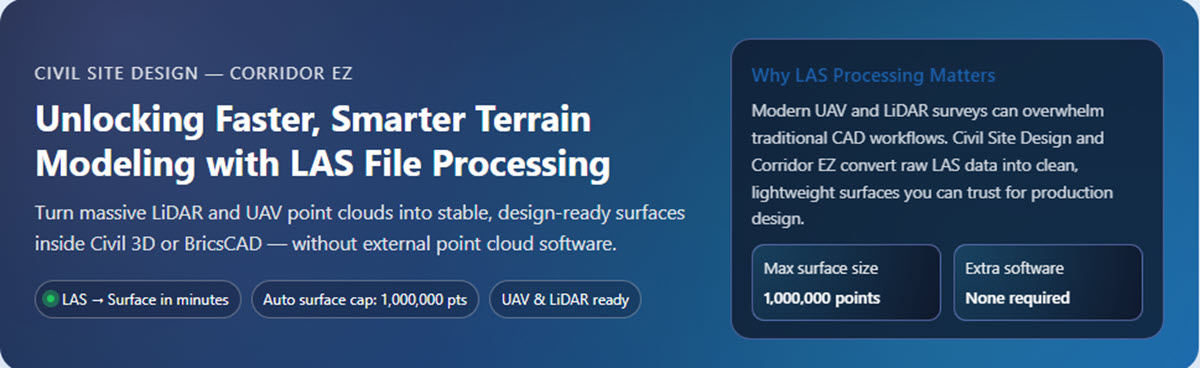
High-quality terrain data has become the backbone of modern civil engineering design. With UAV surveys, LiDAR scanners, and mobile mapping systems generating point clouds at unprecedented resolutions, engineers need tools that can efficiently transform raw LAS files into clean, usable surfaces for detailed design.

Civil Site Design (CSD) and Corridor EZ deliver one of the industry’s most intuitive, high-performance LAS workflows—allowing designers to reduce preprocessing time, improve accuracy, and move seamlessly from survey to conceptual design in minutes.

Below are the key benefits of using CSD / Corridor EZ’s LAS file processing in real-world civil and land-development projects.

Direct LAS → Surface Conversion Without Extra Software

Traditional workflows often require:

  1. Third-party point cloud utilities
  2. Manual thinning or classification
  3. Exporting intermediary formats (DEM, TIN, ASCII)


CSD / Corridor EZ bypasses all of that.

You can import LAS files directly into Civil Site Design, apply intelligent filtering, and generate a high-quality surface inside Civil 3D or BricsCAD—with no external point-cloud plugins or expensive LiDAR software.

This dramatically streamlines early-stage project evaluation, feasibility studies, and preliminary grading.

Intelligent Filtering That Preserves Accuracy

Raw LAS files contain millions of points. CSD’s LAS engine provides:

  • Customizable density filtering
  • Adaptive smoothing
  • Noise and outlier removal
  • Surface thinning without losing geometric integrity


The result is a clean, accurate terrain model that maintains contour fidelity while ensuring surfaces remain lightweight and efficient for design.


High-Performance Processing for Massive Point Clouds

Civil engineering teams increasingly work with:

  • 50M+ point datasets
  • Multi-flight UAV surveys
  • Corridor LiDAR scans for transportation projects


Civil Site Design and Corridor EZ are optimized to handle these large datasets within standard CAD environments. The LAS importer:

  • Reads millions of points quickly
  • Uses multi-threading for faster conversions
  • Allows real-time filtering previews
  • Generates surfaces that don’t bog down the CAD workspace

This ensures your designers spend more time designing, not waiting for surfaces to rebuild.

Automatic Surface Point Limiting to Prevent CAD Instability

Large surfaces can cripple CAD performance—especially in Civil 3D where excessive TIN density leads to:

  • Lagging regen cycles
  • Slow corridor rebuilds
  • Viewport rendering delays
  • Occasional crashes or lockups

To prevent this, CSD / Corridor EZ automatically caps the final processed surface at 1,000,000 points.


This safeguard ensures:

  • Stable performance even on older hardware
  • Smooth panning, zooming, and modeling
  • Predictable rebuild times
  • No risk of accidentally producing an unusable 20–30 million–point TIN

The software automatically filters, thins, and normalizes point density to keep surfaces accurate yet performant.

This feature alone eliminates one of the biggest frustrations teams face when working with UAV or LiDAR data in CAD.